
SDRs should not spend half their week building lists in spreadsheets. How to automatically build sales lists with AI means configuring your ICP once, running a workflow, and receiving tier-rated prospect lists ready for sequencer or CRM import—in hours, not days.
This guide covers the automated list-building workflow, what inputs you need, and how to output lists your team can outreach immediately.
Related: AI prospect list builder, how sales teams find qualified leads, best B2B prospecting workflow, and how to organize sales leads automatically.
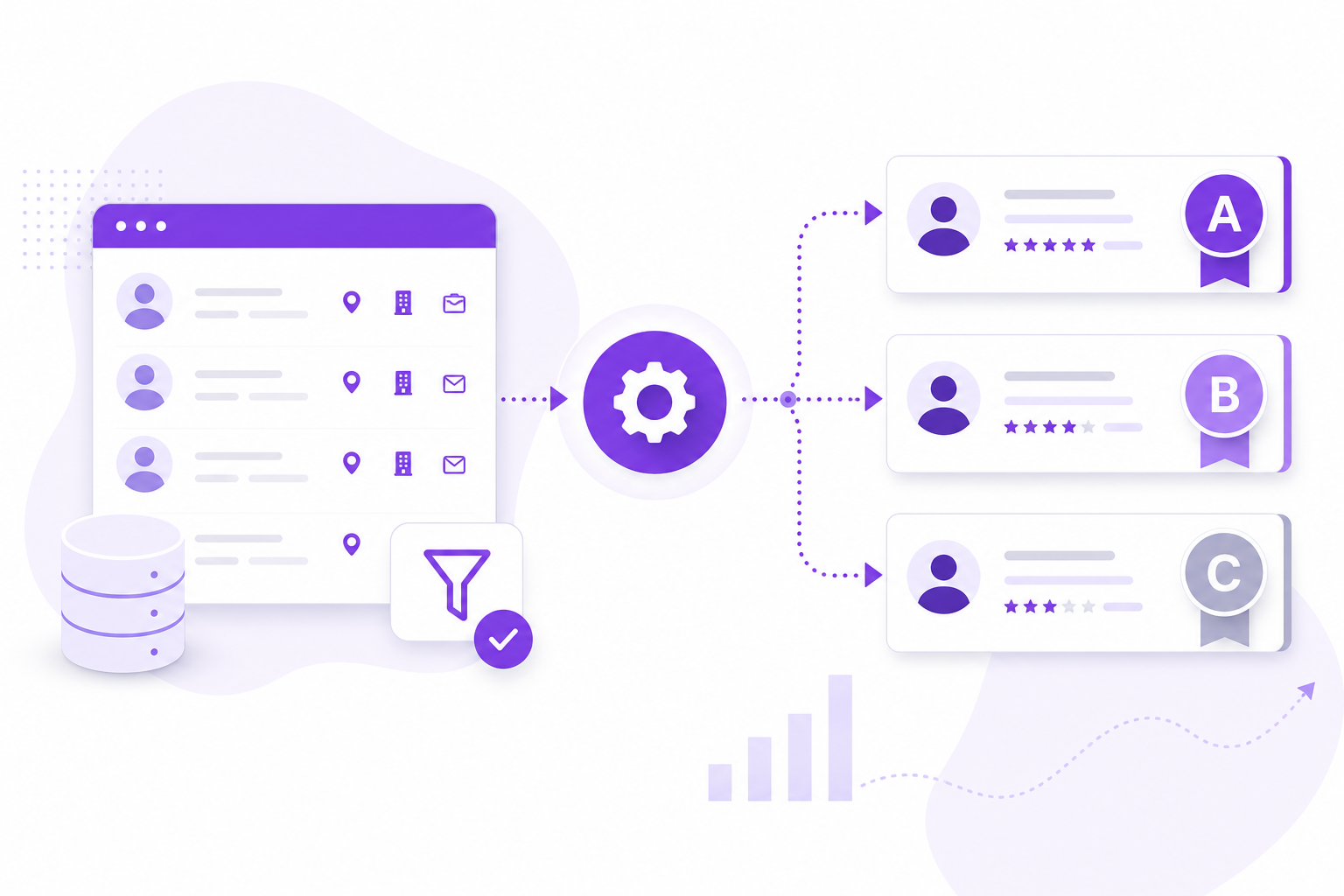
Manual List Building vs. Automated
| Step | Manual (per 100 leads) | AI Automated |
|---|---|---|
| Account research | 8–12 hours | Workflow run (minutes setup) |
| Contact finding | 4–6 hours | Included in workflow |
| Verification | 2–3 hours | Automated |
| Scoring / prioritization | Rep judgment | ICP + Receptivity + Tier |
| ICP-fit rate | 15–30% | 60–80% |
How to Automatically Build Sales Lists: 5 Steps
Step 1: Define Your ICP
Document target industries, geographies, company size, revenue range, buyer roles, and disqualifiers. Plain language works—no complex filter syntax required.
Step 2: Configure the Workflow
Set industries, locations, designations, company size, revenue, and custom instructions. Save as a reusable config for future batches.
Step 3: Run Discovery
Launch the workflow. AI finds ICP-fit companies, maps decision-makers, verifies contacts, and scores each lead.
Step 4: Review Tier Output
Filter Tier A and B for immediate outreach. Route C to nurture. Exclude D from active lists.
Step 5: Export and Sequence
Export to CRM or sequencer with structured fields—name, title, email, company, ICP score, tier, score reasons.
What Makes an Automated List "Sales-Ready"?
- ICP-fit accounts only—not random contact dumps
- Verified emails with employment confirmation
- Decision-maker titles matching your buyer persona
- Tier ratings (A/B/C/D) for rep prioritization
- Score reasons reps can reference in outreach
- Fresh data from re-runnable workflows
How Adsaga.ai Builds Sales Lists Automatically
- Create configuration (
/workflow/config/create) — plain-language ICP with industries, locations, designations, size, revenue, custom instructions - Run workflow (
/workflow/workflows) — status: Running, Queued, or Finished - View tiered leads — Tier A/B/C/D, ICP score, Receptivity score, Total score (0–100), expandable reasons
- Export list — sales-ready for CRM or sequencer
- Re-run same config — fresh prospect batches on demand
Frequently Asked Questions
How do you automatically build sales lists?
Configure ICP criteria in an AI workflow platform, run discovery, review tier-scored output, and export verified contacts to CRM or sequencer—replacing manual spreadsheet research.
How many leads should an automated list include?
Start with 50–200 Tier A/B leads per SDR per week. Quality beats volume—60%+ ICP-fit rate outperforms 2,000 unverified contacts.
Can automated lists replace manual prospecting?
Yes for list building and initial research. Reps still personalize outreach and handle replies—but discovery, verification, and scoring automate fully.
How often should sales lists be refreshed?
Re-run workflows weekly or biweekly for outbound teams. Same config, fresh accounts—no duplicate outreach to prior batches.
Does Adsaga.ai build export-ready lists?
Yes—tier-scored, verified leads with ICP and Receptivity scores export directly for CRM import or sequencer upload.
Final Thoughts
Automatically building sales lists is the highest-ROI automation for SDR teams. Configure once, run workflows, export tier-rated prospects—and reclaim hours for actual selling.
Try Adsaga.ai — automated sales lists with tier scoring built in.