Your SDR team sends hundreds of emails a week. Reply rates stay below 3%. Meetings booked barely move. The problem is rarely effort—it is why sales outreach fails in the first place: wrong accounts, generic messaging, bad data, and sequences built for volume instead of relevance. This guide diagnoses the root causes of failed B2B outreach and gives sales leaders a practical fix list their teams can implement this quarter.
Whether you run outbound for a SaaS company, manage an SDR pod, or troubleshoot a flat pipeline as a VP of Sales, the same failure patterns appear again and again. Fixing outreach starts with understanding what is broken—not sending more emails.
For related foundations, see lead qualification process, how to find qualified B2B leads, how to verify B2B leads before outreach, AI workflow for sales teams, and lead research automation.
The Real Cost of Failed Outreach
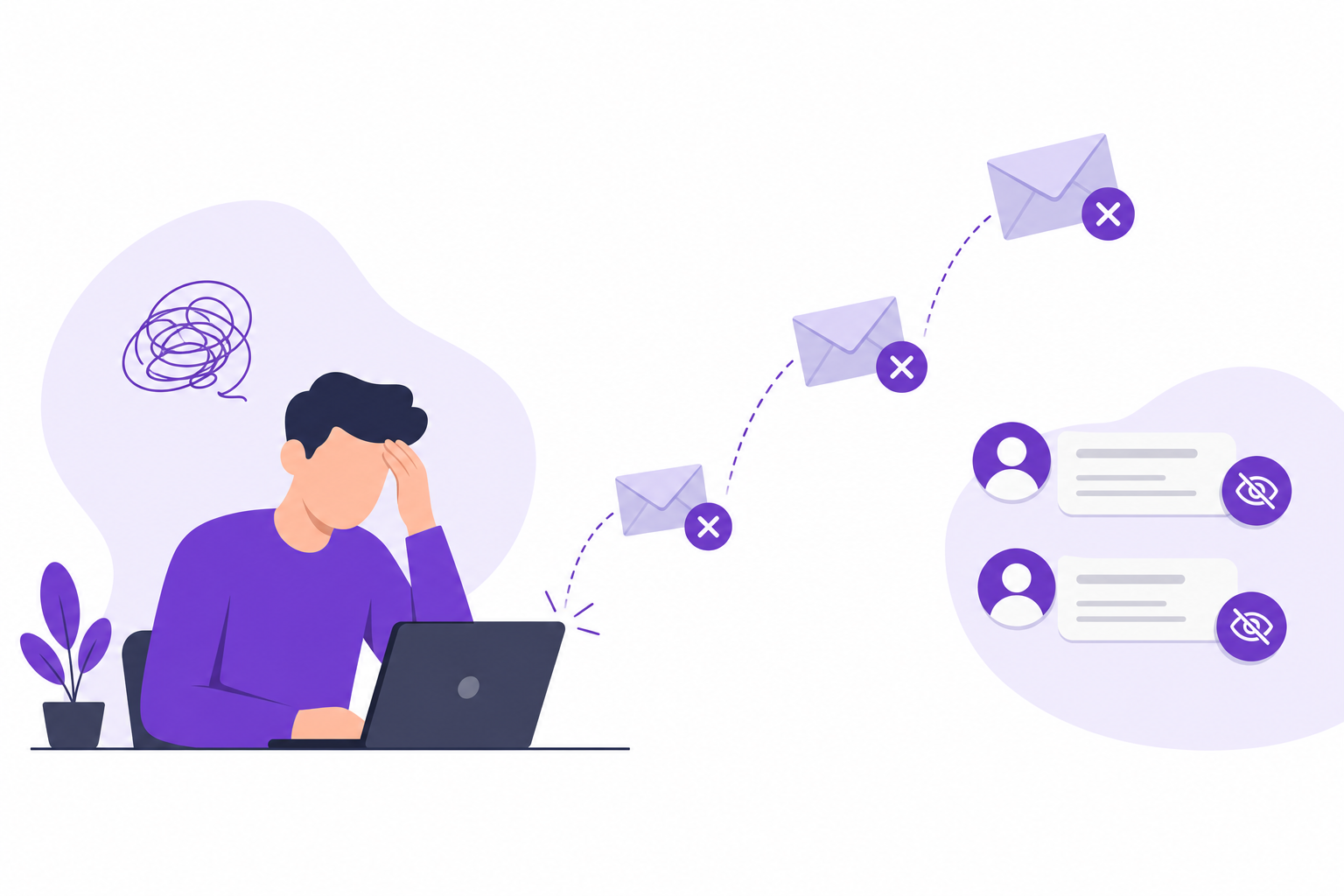
Failed outreach is not just low reply rates. It compounds across your entire revenue engine:
- Domain reputation damage — bounced emails and spam complaints hurt deliverability for the whole team
- SDR burnout — reps sending hundreds of messages with no response lose motivation fast
- AE distrust — account executives stop accepting meetings from SDRs when show rates and qualification are poor
- False pipeline — activity metrics look healthy while revenue misses target
- Wasted tooling spend — sequencers and data platforms cannot fix bad lists
Before you rewrite email copy or add another sequence step, diagnose whether the underlying list and targeting are sound. Most outreach failures start upstream of the inbox.
Why Sales Outreach Fails: 7 Root Causes
1. Targeting Accounts Outside Your ICP
The most common failure mode is outreach to companies that will never buy—wrong industry, wrong size, wrong geography, or wrong use case. Reps pull lists from databases without ICP discipline. Interest in your product does not matter if the company cannot implement it.
Symptom: High send volume, near-zero positive replies, objections like "not a fit" or "we use a competitor's stack."
2. Reaching the Wrong Person
Even a perfect-fit account fails when you email an intern, a former employee, or someone with no budget authority. Title-based guessing without verification produces polite ignores and "please contact our vendor" responses.
Symptom: Opens without replies, forwards to generic inboxes, or "I'm not the right person" auto-responses.
3. Unverified or Stale Contact Data
Purchased lists decay quickly. People change jobs. Emails bounce. Calling wrong numbers burns dial time and hurts caller ID reputation. Outreach built on bad data fails before messaging ever gets evaluated.
Symptom: Bounce rates above 3%, high voicemail-no-answer ratios, LinkedIn profiles that no longer match the company on record.
4. Generic, Template-Heavy Messaging
Buyers receive dozens of identical "quick question" emails daily. Copy that could apply to any company signals automation and gets deleted. Personalization without relevance—mentioning a city or first name—is not enough.
Symptom: Low reply rates across all segments, no improvement when you A/B test subject lines alone.
5. No Qualification Before Outreach
Teams that skip pre-outreach qualification treat every contact equally. They sequence 500 accounts when 80 were never worth contacting. Qualification is not just for inbound—it protects outbound from self-inflicted pipeline pollution.
Symptom: Meetings booked with prospects who stall in discovery or disqualify immediately. See lead qualification process for a structured approach.
6. Volume-First Culture
Leadership rewards emails sent and calls made instead of meetings booked and SQLs created. Reps optimize for activity metrics. Quality targeting and research get cut because they do not show up on dashboards.
Symptom: Activity up, pipeline flat, increasing tool spend with diminishing returns.
7. Misaligned Timing and Triggers
Right company, right person, wrong moment. Outreach without trigger awareness—funding, hiring, leadership change, compliance deadline—lands when there is no active pain. Timing is harder to fix than copy, but it matters.
Symptom: "Not a priority right now" and "circle back in six months" dominate replies.
How to Fix Failed Sales Outreach: A Practical Playbook
Step 1: Lock Your ICP Before You Send
Document firmographic criteria, disqualifiers, and buyer roles. Every account entering a sequence must pass an ICP check. Reps should be able to explain in one sentence why each company is on the list.
- Define target industry, size, geography, and technographic fit
- List explicit disqualifiers (competitors, students, wrong segments)
- Align marketing, SDR, and AE on the same ICP document
Start with how to find qualified B2B leads if ICP is still fuzzy.
Step 2: Verify Every Contact Before the First Touch
Run email verification, confirm current employment, and validate role relevance. Remove bounced and role-based inboxes (info@, sales@) unless that is your explicit strategy. Verification is cheaper than domain reputation recovery.
Follow how to verify B2B leads before outreach as a non-negotiable pre-send checklist.
Step 3: Research Before You Write
Spend 3–5 minutes per Tier 1 account understanding their business, recent news, and likely pain. Reference specifics: a product line, expansion, hiring pattern, or industry pressure. One relevant sentence beats five generic compliments.
Step 4: Segment Messaging by Persona and Pain
VP Operations cares about efficiency. CFO cares about cost. Procurement cares about vendor risk. Build 2–3 core message tracks aligned to roles—not 20 micro-variants. Test pain angles, not just subject lines.
Step 5: Qualify Early in the Sequence
Email 1 should establish relevance. Email 2 can ask a direct qualification question. Do not burn seven touches on accounts that already signaled disinterest or wrong fit. Disqualify fast and reallocate time.
Step 6: Measure What Matters
Track positive reply rate, meetings booked per 100 contacts, meeting show rate, and SQL conversion—not just sends and opens. Review weekly by segment to see which ICP slices actually respond.
Step 7: Automate Research, Not Judgment
Use AI and workflow tools to compress list building, decision-maker identification, and scoring. Reps should spend saved time on Tier 1 personalization and live conversations. See lead research automation and AI workflow for sales teams.
Outreach Failure vs. Success: Quick Comparison
| Factor | Failing Outreach | Fixed Outreach |
|---|---|---|
| List source | Bulk database export, no ICP filter | ICP-scored, verified, tiered accounts |
| Contacts | Guessed titles, stale emails | Verified decision-makers and champions |
| Messaging | Generic templates at scale | Role-specific pain, company context |
| Metrics | Emails sent, open rate | Positive replies, meetings, SQLs |
| Rep time | 60% research, 40% outreach | 20% research, 80% conversations |
Weekly Outreach Audit Checklist
Run this 30-minute audit every Friday with your SDR lead:
- Sample 20 accounts from this week's sends—how many are clear ICP fit?
- Check bounce rate and spam complaint rate by domain
- Review positive replies—what messaging angle worked?
- Review negative replies—targeting, timing, or copy issue?
- Count meetings booked per rep per 100 contacts
- Identify top disqualification reasons and feed back to list building
One month of disciplined audits typically surfaces the single biggest lever—usually targeting or data quality, not copy tweaks.
Frequently Asked Questions
Why does B2B sales outreach fail even with high activity?
High activity without ICP discipline produces volume without results. The most common causes are wrong-fit accounts, unverified contacts, generic messaging, and metrics that reward sends instead of meetings. Fix targeting and data before adding more sequence steps.
What is a good B2B cold email reply rate in 2026?
Benchmarks vary by segment, but 5–15% total reply rate and 2–5% positive reply rate are healthy for well-targeted outbound. Below 2% total replies usually indicates list quality or ICP problems—not just copy.
Should we send more emails or improve targeting first?
Improve targeting first. Sending more emails to the wrong accounts accelerates domain damage and SDR burnout. A smaller, ICP-verified list almost always outperforms a large unqualified export.
How does lead verification improve outreach results?
Verification reduces bounces, protects sender reputation, and ensures reps reach people who still work at target companies in relevant roles. It eliminates wasted touches on dead contacts before sequences start.
Can AI fix failing sales outreach?
AI fixes the research and qualification bottleneck—discovering ICP-fit accounts, identifying decision-makers, and scoring leads—so reps personalize outreach and book meetings instead of building lists manually. It does not replace thoughtful messaging or discovery calls.
Final Thoughts
Sales outreach fails when teams treat the inbox as the problem and ignore everything upstream. The list, the contact, the ICP fit, and the timing determine whether your message ever gets a fair hearing.
Fix outreach by qualifying before you send, verifying before you sequence, and measuring meetings—not activity. Reps who work smaller, sharper lists consistently outperform teams chasing volume with broken foundations.
Ready to fix outreach at the source? Get started with Adsaga.ai or explore more sales guides on the Adsaga blog.
How Adsaga.ai Fixes Outreach Before the First Email
Adsaga.ai addresses the upstream causes of failed outreach—wrong accounts, wrong contacts, and unqualified lists—so your sequences reach buyers who can actually respond.
Adsaga.ai workflow at a glance
Create Config (define your business and ICP) → Run Workflow (AI discovers companies and decision-makers) → View Tiered Leads with ICP fit and receptivity scores → export to CRM or outreach
Step 1: Create Config
Describe your product, target industries, company size, geography, and buyer roles. Adsaga.ai converts this into structured ICP criteria—replacing hours of manual list filtering with a single configuration step.
Step 2: Run Workflow
The AI engine discovers ICP-matched companies, identifies relevant decision-makers, and enriches accounts with firmographic context. Your team starts outreach with verified targets instead of recycled database exports.
Step 3: View Tiered Leads with ICP and Receptivity Scores
Results arrive as scored, tiered lists—A, B, and C—so reps prioritize highest-fit accounts first. Export directly to your CRM or sequencer and stop wasting touches on prospects that were never going to reply.
Pair Adsaga.ai with the fixes in this guide to turn failed outreach into a predictable meeting engine. Try Adsaga.ai and rebuild outbound on qualified foundations in 2026.